Jellyfin
Jellyfin is a video streaming service loaded with movies and TV series, compatible with various devices.
Install
You will need an invitation sent from Jonathan to create an account.
You will need to install the Jellyfin app on any device you wish to stream on. Jellyfin is available for iOS, Android and various smart TVs, including Roku, Android TV, Amazon and WebOS. Check your relevant app store.
It is also possible to access Jellyfin directly in a web browser, but this is not recommended as performance is not as good as the native apps.
Login
The exact login procedure varies depending on your device, but first you should be asked to enter the server name. This is https://jellyfin.gazeley.uk
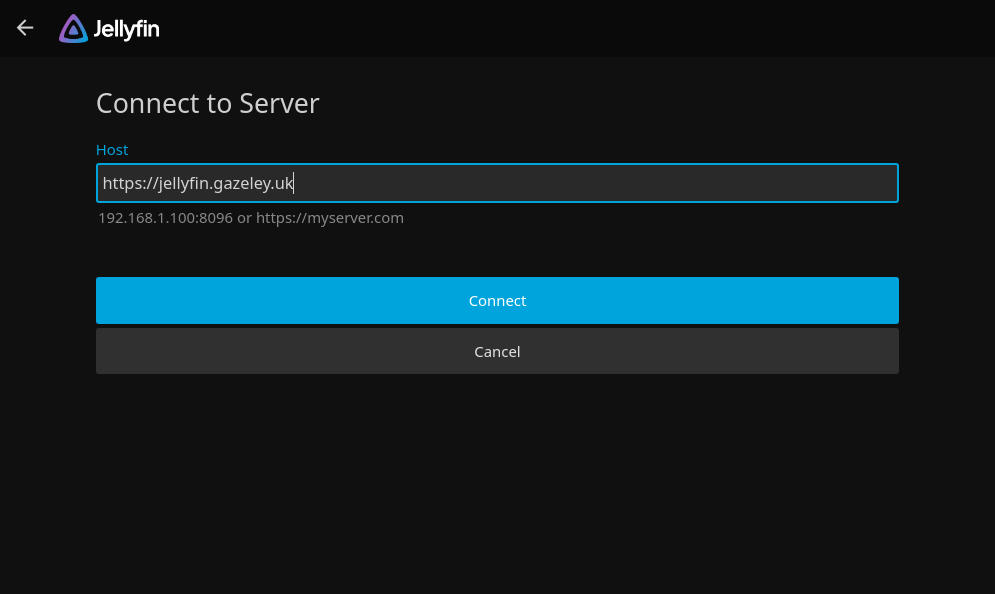
After this, enter your username and password as provided.
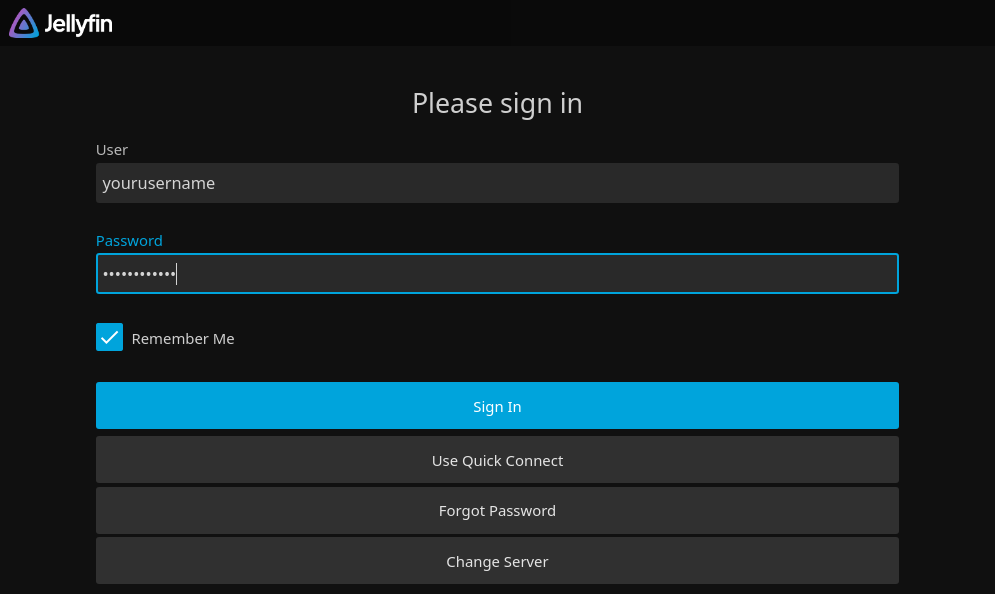
Keep your password handy, because you may occasionally be asked to log in again.
By default, you can use the same account on up to 3 devices. This limit can be raised on request. Please don't share your password with others.
Requests
There is a companion app called Jellyseerr which you can use to request additional films & TV for Jellyfin. Log in with the same username & password as Jellyfin, browse for what you'd like to request, and click Request.
All requests will be manually approved and added by Jonathan. There will be a delay until the new media is available.
If you add your email address to your Jellyseerr profile, you will receive a notification when the new media is ready.